
Jewelry · Published June 1, 2026
Jewelry Photography for Shopify: A Complete Image Guide

Jewelry sells on detail. On a Shopify store, that detail has to survive compression, small thumbnails and zoom — all without losing the sparkle that made the piece worth photographing in the first place. Here's the shot list and formatting approach we use for every jewelry catalog project.
In this guide
Shoot for the zoom, not just the thumbnail
Shopify's zoom feature means every image gets inspected at full resolution. Shoot in a resolution well above your final display size, and check focus at 100% before you move on from a setup — not after the shoot wraps.

Keep lighting consistent across the collection
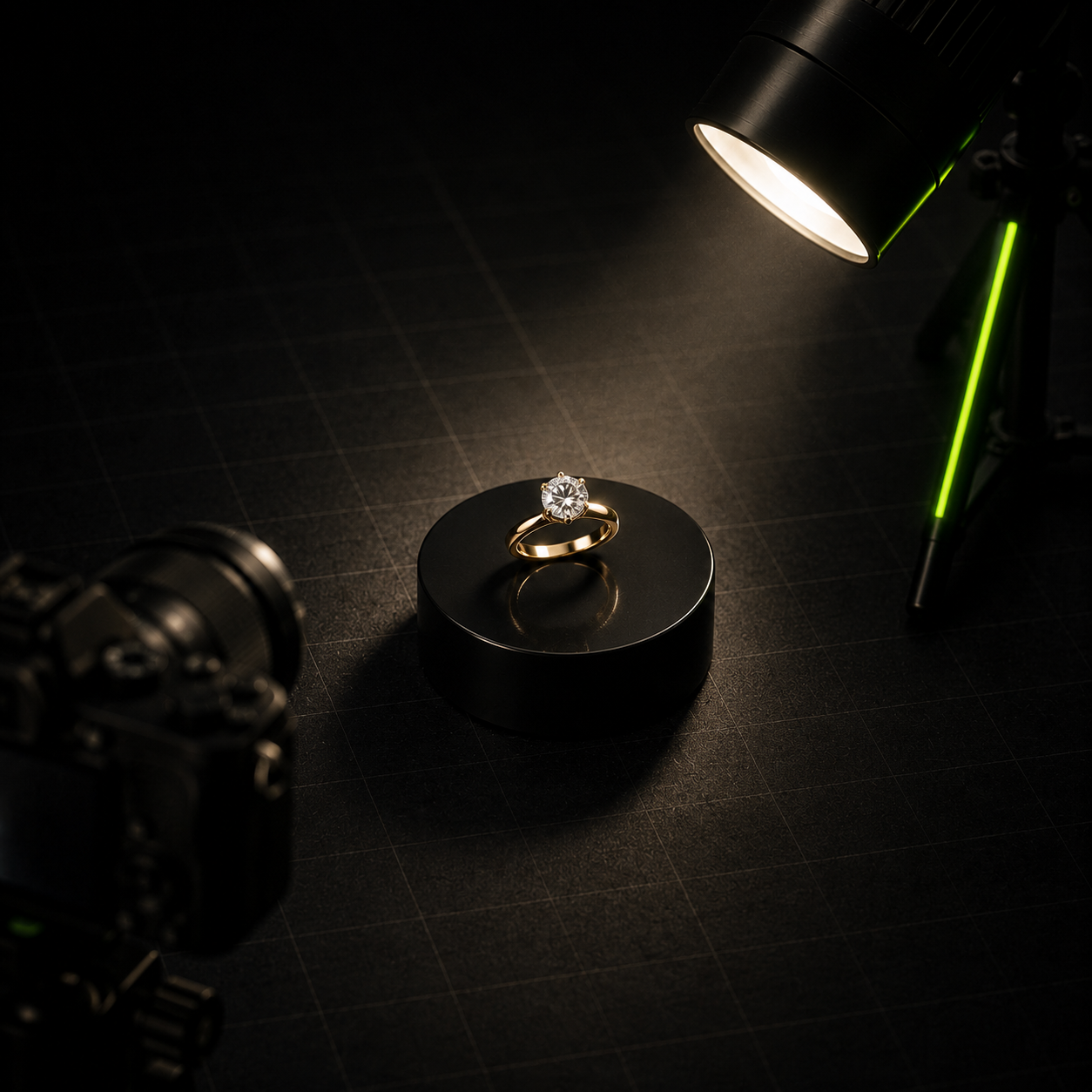
Buyers compare pieces side by side. A turntable rig and a fixed lighting setup keep exposure, white balance and shadow direction identical from piece to piece, which matters more for trust than any single hero shot.

"The listing shot earns the click. The story shot earns the add-to-cart."
Cover both the listing shot and the story shot
Every product needs a clean white-background listing image for the grid, plus at least one macro or on-model image that shows scale and craftsmanship.
Export sizes that don't slow the store down
Large, uncompressed jewelry photography can quietly wreck page speed. Export in WebP or AVIF with a JPEG fallback, and generate multiple sizes so Shopify serves an appropriately sized file per device.
Share this article
The PIXHO Studio Team
Notes from the team that shoots the jewelry catalogs we write about — practical, tested on real client work.


In their words
What Clients Say
“We'd been shooting our bridal sets on a phone for two years and wondering why nothing converted. PIXHO shot our entire Diwali collection in a day, and for the first time our online catalog actually shows the sparkle the way it looks in hand.”
Rina Shah
Founder, Aarohi Diamonds
“Macro photography for loose diamonds is unforgiving — every scratch on the setup shows. The team's turntable rig kept every stone consistent across 200+ SKUs, which made our export catalog look like one coherent brand instead of a spreadsheet of photos.”
Devansh Patel
Operations Head, Surat Gems Exports
“The on-model shoot for our necklace line was the missing piece. Product-only shots told buyers the specs; the model shots told them how it would feel to wear it. Sales on that specific collection page nearly doubled the following month.”
Meera Jariwala
Bridal Collection Manager
FAQ
This Guide — Frequently Asked Questions
What resolution should jewelry photos be for Shopify?
Shoot well above your final display size — at least 2048px on the long edge is a safe minimum for zoom to look sharp.
Should I use white or lifestyle backgrounds for jewelry?
Use white-background shots for the main listing grid and at least one lifestyle or on-model shot to show scale and context.